
Description
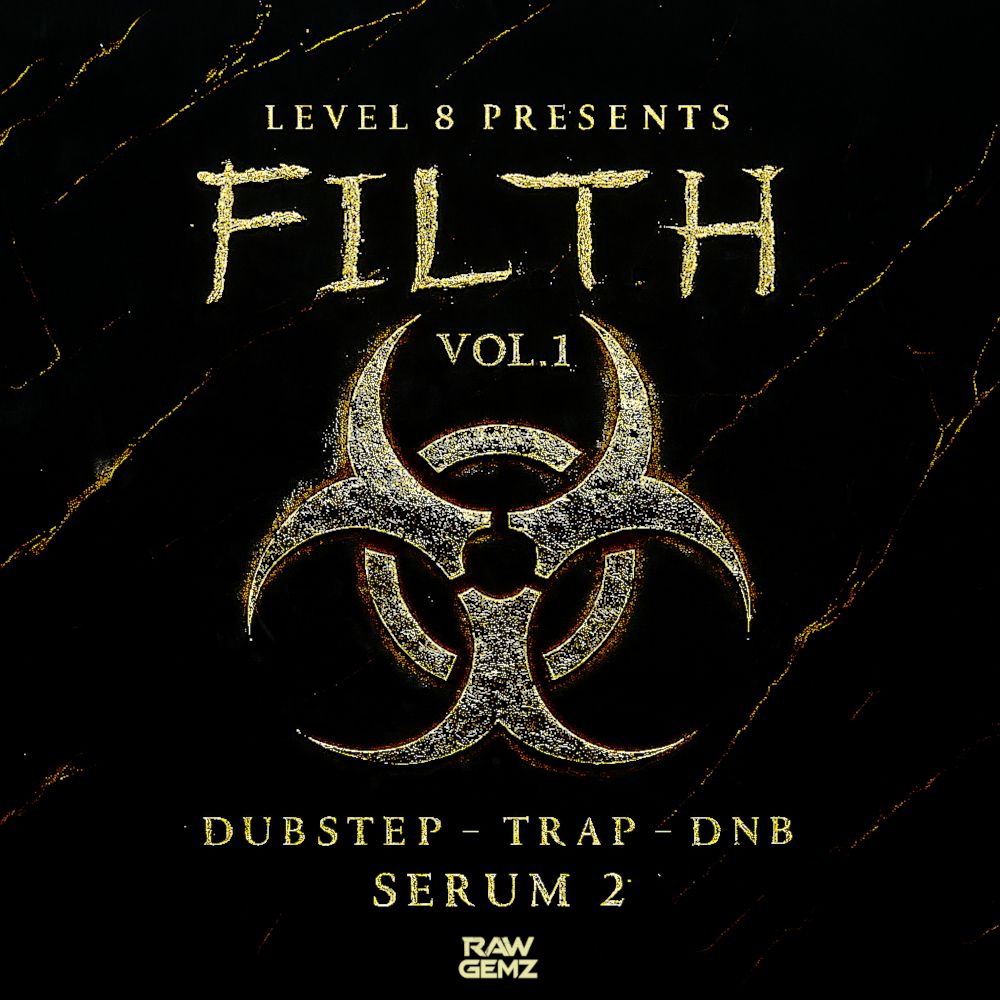
Unleash the full power of Serum 2 with FILTH – a cutting-edge preset pack loaded with the dirtiest, grittiest, and most versatile bass sounds.
Each preset was crafted by Level 8, a factory sound designer for Serum 1 & 2, whose productions have amassed over 200 million streams and been featured on platforms like Trap Nation, NCS, and Main Stage.
The sounds in this pack come straight from those very productions – the same signature presets that defined tracks featured on these major outlets. Every preset was built from scratch for Serum 2, fully embracing its latest features for maximum impact.
Perfect for any bass-heavy genre – from Dubstep, Trap, and Drum & Bass to Garage, Bass House, and even Main Stage anthems, these sounds have already proven themselves in countless productions.
Quality was the top priority – each patch is meticulously engineered, with macros and modwheel assignments giving you powerful, flexible control to shape and morph the sound in countless ways, instantly.
Push Serum 2 to its limits and bring FILTH into your productions.
Please note: This product includes Xfer Serum 2 presets and select bonus samples; not all samples heard in the audio demo (e.g., drums/FX) are included. You will need the latest version of Serum 2 (minimum v2.0.22) to use these patches.
Features:
– 64 Xfer Serum 2 Presets
– 10 MIDI Files
– 95 WAV Samples
Requirements:
Xfer Serum 2 synthesizer (v2.0.22 or later)
Formats:
24-bit WAV
MIDI Files
Presets in detail:
40 Bass, 1 Brass, 2 FX, 1 Key, 7 Leads, 2 Pads, 4 Plucks & 2 Synth patches
WAV Samples in detail:
10 Vocals, 4 FX, 8 Drum Loops, 37 Drum One-shots, 4 Synth Loops, 20 Synth One-shots, 2 Bass Loops, 1 Bass One-shots