
Description
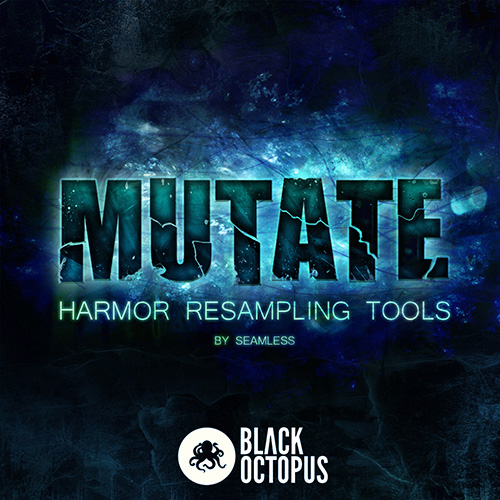
Black Octopus Sound presents a selection of tools designed specifically for resampling – the first of its kind! Created to work with the Harmor additive synthesizer, this selection of tools is designed to turn wimpy lifeless synth sounds into beast-like face eating growls and robot dinosaur snarls.
Resampling is the process of taking some recorded audio and loading it back into a sampler or resynthesis engine, adding a few fx or minor tweaks, re-recording the audio again – rinse and repeat. This process allows for some very interesting tones not possible with regular synthesis methods. Resampling can be heard often in many drum and bass and dubstep producers tracks, great examples of resampling can be heard in the legendary electronic group Noisia.
The sounds are divided into 2 categories
Channel Presets > 9 Harmor presets which range from massive detuned reeses to crunchy distorted basses. 2 Sytrus presets – one classic reese and one utilizing FM synthesis to obtain monster like tones. As a bonus there is also a Mixer FX track preset for FL Studio to beef up your sounds, a love filter preset for some extra modulation, one massive Harmor riser, a demo FLP, and an empty resampling template FLP to get you started.
Resampling presets > The real fun of this pack, 23 Harmor presets to drag and drop audio in. They are crafted skillfully and with precision to add just the right amount of subtle transformation to your sound. They are also chained together in groups (for example Bitten B1, Bitten B2, Bitten B3) to eliminate the guesswork of what presets sound good together. There are no rules however – mix and match and come up with your own favorite combinations.
In total there are 38 presets. Please note Image-line Harmor is required for most of this pack. Sytrus is also used for 2 presets.
* If you are using FL Studio we recommend putting the Mutate folder somewhere in your sample file browser so you can easily drag and drop them. If you are using Harmor as a VST in another sequencer we recommend you copy the Harmor presets into the Harmor presets folder.
Features:
– 15 Channel Presets
– 23 Resampling Presets
– .fst Format
Requirements:
Image-Line Harmor v1.2 or later